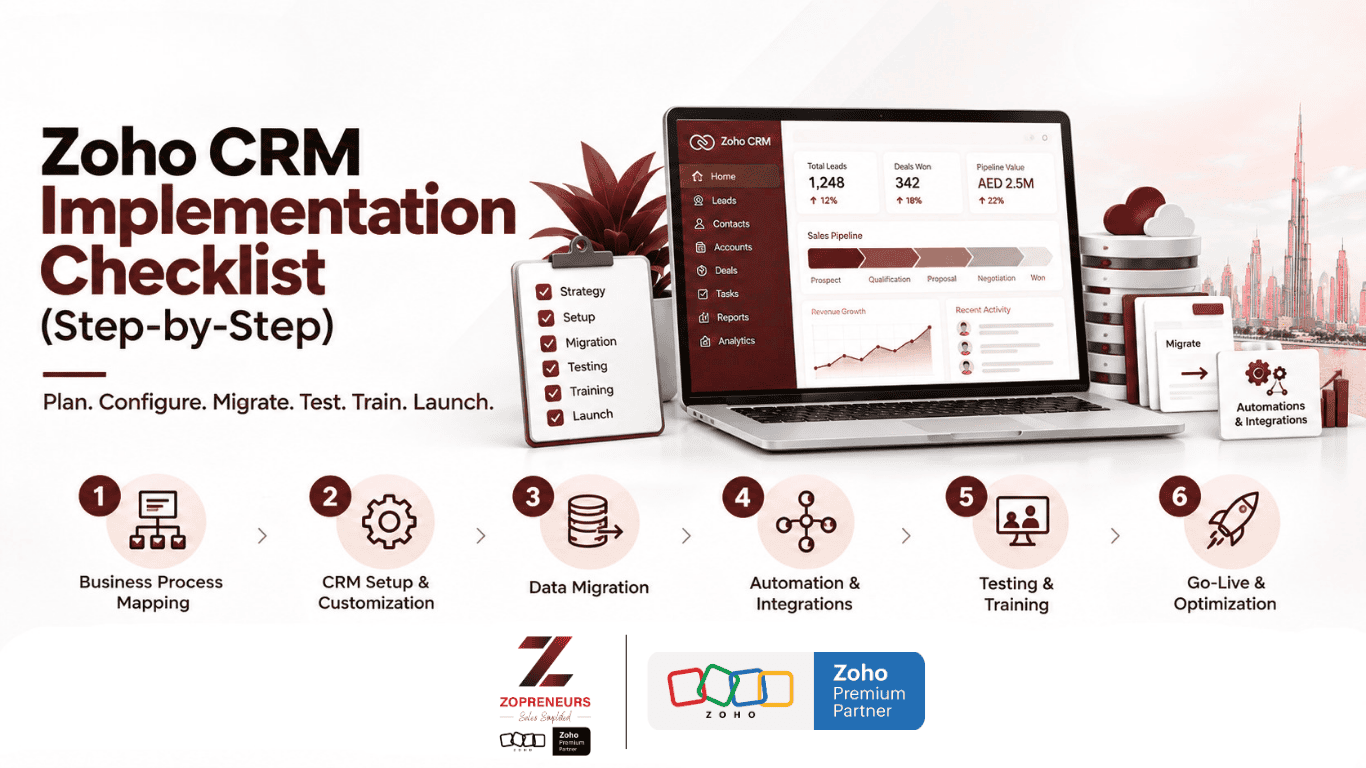
Implementing a CRM is more than simply creating an account and importing your customer data. A successful implementation starts with understanding how your business works, configuring the CRM around those processes, moving data carefully, automating repetitive tasks, testing everything, and ensuring...

A CRM is supposed to make business easier.
It should help your sales team know who to contact, when to follow up, what stage every deal is in, and what needs to happen next.
Yet, many businesses in the UAE invest in a CRM, spend time implementing it, and still find their sales teams relying on Excel s...
A CRM should make your sales process simpler, faster, and more measurable. But if your team is still manually updating records, chasing follow-ups, searching for customer information, or struggling to understand the sales pipeline, your Zoho CRM may not be configured to its full potential.
That’s whe...

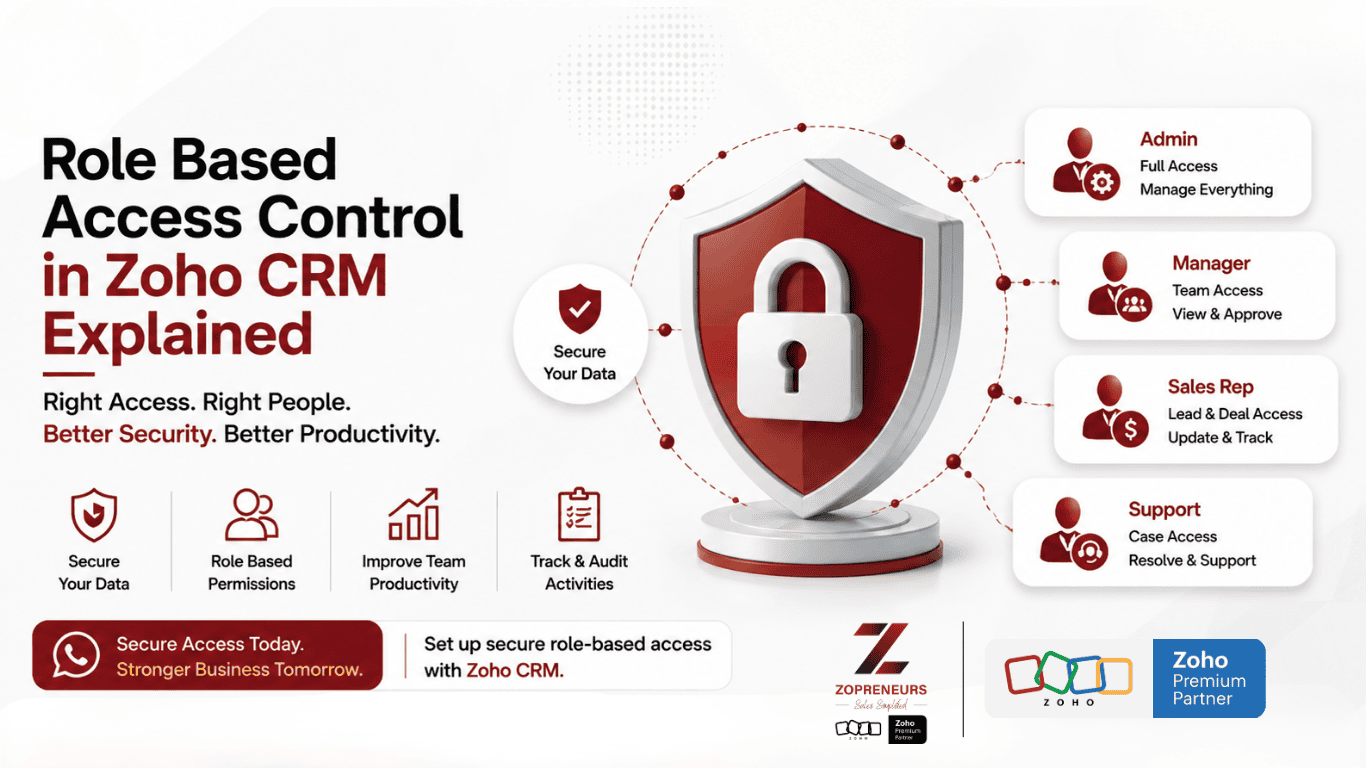
As businesses grow, their CRM becomes more than just a place to store customer information. It becomes the central system for managing leads, deals, sales activities, customer data, reports, and team performance.
But with more users accessing the CRM, one important question comes up:
Who should be a...