
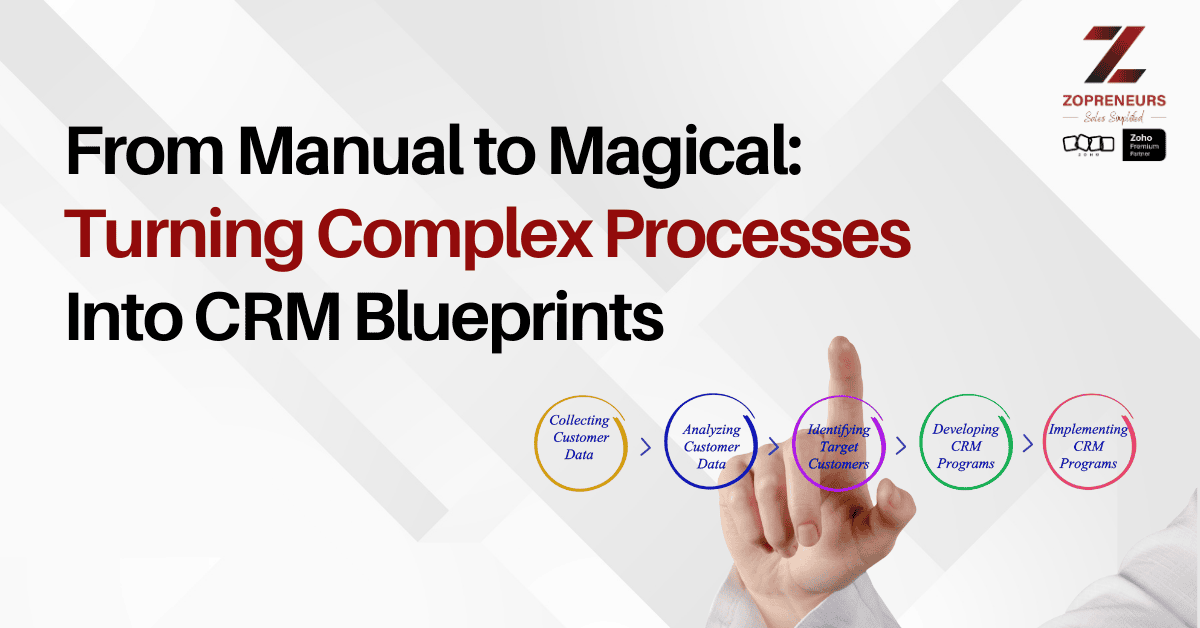
Every growing business reaches a point where processes become complicated. What once lived in people’s heads turns into long checklists, constant follow-ups, and repeated questions like, “What’s the next step?” or “Did this get approved?”
This is where CRM Blueprints transform operations from manual and error-prone into structured, predictable, and almost magical workflows—without losing human control.
When Processes Depend on People, Problems Follow
Manual processes often rely on experience rather than structure. While this may work initially, it eventually leads to:
Inconsistent execution across teams
Missed approvals and skipped steps
Heavy dependency on specific individuals
Delays caused by confusion or miscommunication
As complexity grows, clarity becomes essential.
What CRM Blueprints Actually Do
CRM Blueprints in Zoho CRM guide users through each stage of a process by defining what must happen, when, and by whom.
Instead of leaving steps open to interpretation, blueprints:
Enforce the right actions at the right time
Prevent users from skipping critical steps
Assign ownership and responsibility clearly
Maintain process consistency across teams
Every deal, lead, or request follows the same well-defined path.
Turning Complexity Into Clear Actions
Complex workflows often involve multiple teams, approvals, and checkpoints. Blueprints break these into manageable, guided actions.
For example:
A deal cannot move forward without required approvals
Mandatory fields must be completed before stage transitions
Tasks and notifications trigger automatically
Each team sees only what they need to act on
This turns confusion into clarity and guesswork into guided execution.
Built-In Accountability Without Micromanagement
Blueprints create accountability without constant follow-ups from managers.
With clear transitions and defined responsibilities:
Teams know exactly what’s expected
Managers gain visibility without manual tracking
Delays are easy to identify and resolve
Compliance becomes part of the process
Structure replaces supervision.
Consistency Across Teams and Locations
As organizations scale, maintaining process consistency becomes a challenge. CRM Blueprints ensure every team follows the same workflow—regardless of location, experience, or role.
This results in:
Uniform customer experiences
Predictable sales and service outcomes
Faster onboarding for new team members
Reduced training dependency
Consistency becomes a system feature, not a people-dependent outcome.
Blueprints That Adapt as Your Business Grows
One of the strongest advantages of Zoho CRM Blueprints is flexibility. Processes are not locked forever—they evolve as the business evolves.
Businesses can:
Modify steps as strategies change
Add approvals or checks when required
Simplify workflows when processes mature
Align CRM behavior with real-world operations
Automation adapts, not restricts.
From Control to Confidence
At Zopreneurs, we’ve seen how businesses move from constant process policing to confident execution using CRM Blueprints.
What changes is not just efficiency, but mindset:
Teams trust the system
Errors reduce dramatically
Customer experiences improve
Leadership gains peace of mind
Processes stop being bottlenecks and start becoming strengths.
Final Thoughts
CRM Blueprints turn complexity into clarity and manual work into structured flow. They ensure that every step happens for the right reason, in the right order, and by the right person.
For businesses managing multi-step sales, onboarding, or service processes, Blueprints are not just helpful—they are transformational.
Here’s to moving from manual to magical, and building smarter, guided processes with Zoho CRM.