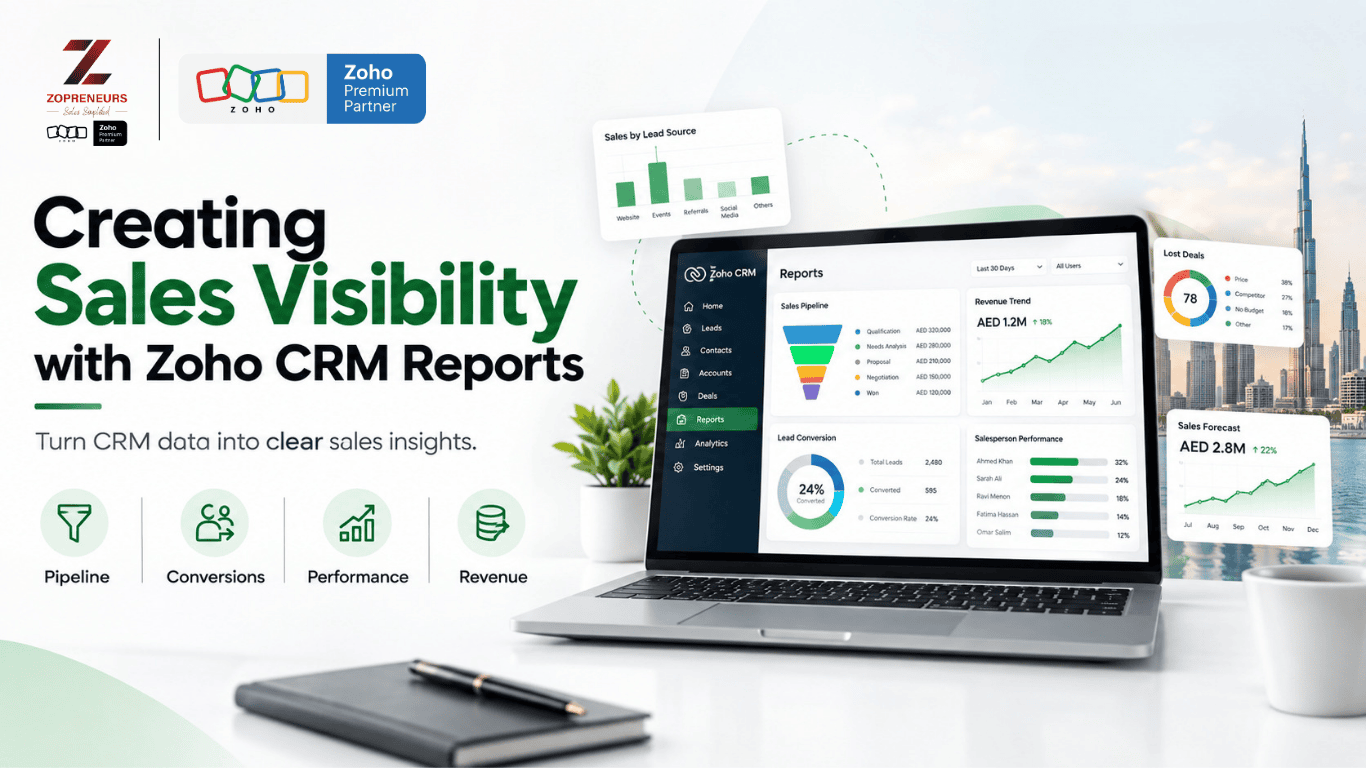
Sales teams generate a lot of data every day — leads, calls, meetings, follow-ups, deals, quotations, and closed sales. But having data is not the same as having visibility.
Without the right reporting structure, sales managers may struggle to answer simple but important questions:
- How many leads are currently being worked on?
- Which deals are likely to close?
- Where are leads dropping off?
- Which sales representatives are consistently following up?
- Which sources are generating quality opportunities?
- How much revenue is expected this month?
This is where Zoho CRM Reports can make a difference.
With the right reports and dashboards, businesses can turn everyday CRM data into a clearer view of their sales performance and pipeline.
What Is Sales Visibility?
Sales visibility means having a clear understanding of what is happening across your sales process.
It goes beyond knowing how many deals your team has. Effective sales visibility helps you understand:
- Where leads are coming from
- How quickly leads are being contacted
- Which stages deals are getting stuck in
- How sales representatives are performing
- What revenue is expected
- Which activities require attention
When this information is available in one place, sales managers can spend less time collecting updates manually and more time acting on what the data is showing.
Why Zoho CRM Reports Matter
Zoho CRM stores a large amount of sales information. However, raw data alone doesn't automatically provide useful insights.
Reports help organize that information into meaningful views.
For example, instead of manually checking every opportunity, a sales manager can use reports to view:
- Open opportunities by sales stage
- Deals expected to close this month
- Leads by source
- Leads by status
- Sales activity by user
- Conversion rates
- Lost deals and reasons
- Revenue by salesperson
- Pipeline value over time
The goal isn't to create as many reports as possible. The goal is to create the right reports for the decisions your team needs to make.
1. Track Your Sales Pipeline
One of the most important areas of sales visibility is pipeline management.
A well-structured Zoho CRM report can show how many opportunities are sitting at each stage of your sales process.
For example:
New Opportunity → Qualification → Proposal → Negotiation → Closed Won
This allows managers to quickly identify where opportunities are concentrated and where deals may be slowing down.
If a large number of opportunities remain stuck at the proposal stage, it may indicate a need for better follow-up, clearer proposals, or a review of the sales process.
2. Monitor Lead Sources
Not every lead source performs equally.
Zoho CRM reports can help businesses compare leads generated through different channels, such as:
- Website enquiries
- Social media
- Referrals
- Campaigns
- Events
- Paid advertising
- Direct enquiries
But lead volume shouldn't be the only metric.
A source that generates 100 leads but very few qualified opportunities may be less valuable than a source generating 30 highly relevant leads.
By connecting lead sources with conversions and revenue, businesses can get a clearer picture of which channels are contributing to actual sales.
3. Understand Sales Representative Performance
Sales performance shouldn't depend entirely on manual updates or weekly meetings.
Zoho CRM reports can provide visibility into individual and team activity.
Managers can monitor metrics such as:
- Leads assigned
- Calls completed
- Meetings conducted
- Follow-ups completed
- Opportunities created
- Deals won
- Revenue generated
- Deals lost
These reports can help identify gaps in activity and give managers a more structured way to support their teams.
The purpose isn't simply to track employees. It is to understand where the sales process is working and where additional support may be needed.
4. Identify Stalled Opportunities
A sales pipeline can look healthy on the surface while containing opportunities that haven't moved for weeks.
Reports can help identify deals that have remained in a particular stage for longer than expected.
For example:
Opportunity → Proposal Sent → No Activity for 14 Days
This type of visibility allows sales managers to identify opportunities that may require immediate attention.
Instead of discovering stalled deals at the end of the month, teams can address them while there is still an opportunity to move them forward.
5. Measure Sales Conversion
Lead generation is only one part of sales performance.
Businesses also need to understand what happens after a lead enters the CRM.
Reports can help track movement through different stages:
Leads → Qualified Leads → Opportunities → Won Deals
This makes it easier to identify where potential customers are being lost.
For example, if a business generates a high number of leads but very few become opportunities, the issue may be qualification, follow-up, or lead quality.
Without reporting, these patterns can remain hidden.
6. Improve Revenue Forecasting
Sales managers need more than a list of open deals. They need visibility into potential revenue.
Zoho CRM reports can help organize opportunities based on factors such as:
- Deal value
- Expected closing date
- Sales stage
- Probability
- Salesperson
- Account
This gives management a structured view of potential revenue and helps identify gaps between current pipeline value and sales targets.
Forecasting becomes much more useful when the underlying CRM data is accurate and consistently maintained.
7. Build Dashboards for Quick Decision-Making
Reports provide detailed information, while dashboards can bring key metrics together in one view.
A sales dashboard could include:
Pipeline Overview
Total open opportunities and pipeline value.
Monthly Revenue
Closed-won revenue compared with targets.
Lead Conversion
Lead-to-opportunity and opportunity-to-customer conversion.
Sales Activity
Calls, meetings, tasks, and follow-ups.
Deal Aging
Opportunities that have remained inactive for extended periods.
The dashboard should reflect what sales managers actually need to monitor — not simply every metric available in Zoho CRM.
Reports Are Only as Good as Your CRM Data
A reporting system cannot provide reliable visibility if the underlying data is incomplete or inconsistent.
For example, reports may become misleading when:
- Leads are not updated regularly
- Deal stages are used inconsistently
- Follow-up activities aren't recorded
- Closing dates are outdated
- Lead sources are missing
- Duplicate records exist
- Sales teams maintain information outside the CRM
This is why reporting should be considered as part of the overall CRM design, rather than something added at the end.
Designing Zoho CRM Reports Around Your Sales Process
Every business has a different sales process.
A real estate company may need visibility into property enquiries, viewings, negotiations, and commissions.
A B2B company may focus on lead qualification, meetings, proposals, negotiations, and recurring revenue.
A service business may need to track enquiries, consultations, proposals, and project conversions.
The reports should therefore be built around the company's actual sales journey.
Instead of asking:
"What reports can Zoho CRM create?"
A better question is:
"What does our sales team need to see to make better decisions?"
That shift can make CRM reporting much more valuable.
Turn CRM Data Into Sales Visibility
Zoho CRM can capture a significant amount of sales information. But the real value comes from structuring that information into reports and dashboards that your team can actually use.
With the right reporting setup, businesses can gain visibility into their pipeline, sales activity, conversion rates, stalled opportunities, revenue, and overall performance.
The objective isn't to create more data.
It's to make the right data visible at the right time.
Want Better Visibility From Your Zoho CRM?
At Zopreneurs, we help businesses design Zoho CRM around their actual sales processes — including reports, dashboards, workflows, and sales visibility.
If your team has the data but still struggles to understand what's happening in the pipeline, it may be time to rethink how your CRM is structured.
Talk to Zopreneurs today and discover how a better-designed Zoho CRM can give your sales team the visibility they need to act faster and sell smarter.
Get in touch with Zopreneurs to discuss your Zoho CRM requirements.