
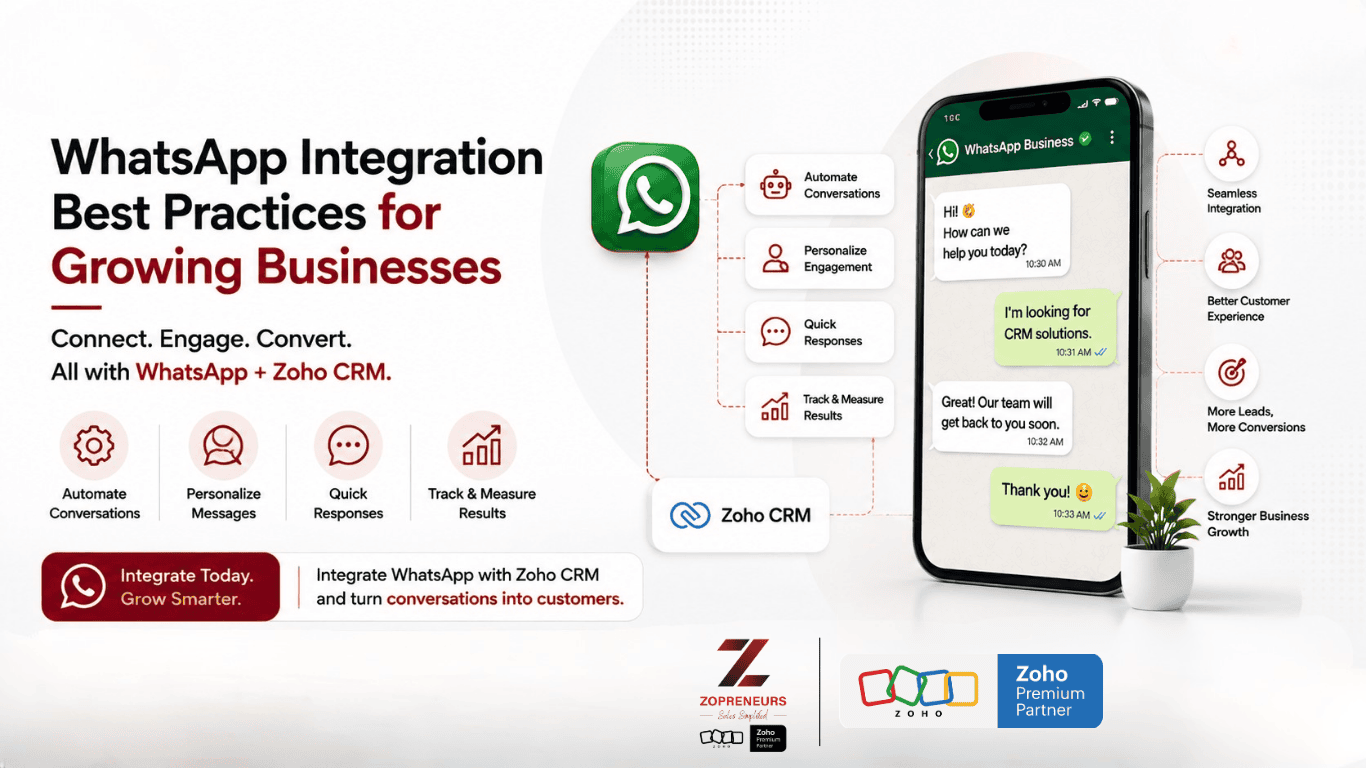
WhatsApp has become one of the most important communication channels for businesses. Customers use it to ask questions, request quotes, book appointments, share documents, track orders, and communicate with sales and support teams.
But as a business grows, managing WhatsApp conversations manually can become challenging.
Messages get missed. Follow-ups are forgotten. Customer information remains scattered across individual phones. Sales teams struggle to track conversations, and managers have limited visibility into what is happening.
This is where WhatsApp integration for businesses can make a significant difference.
By connecting WhatsApp with your CRM and business applications, you can turn conversations into structured, trackable business processes.
For growing businesses, the goal isn't simply to "use WhatsApp." It's to build a WhatsApp business communication system that is scalable, organized, automated, and connected to your customer data.
Here are some of the best practices to follow.
What Is WhatsApp Integration for Business?
WhatsApp integration connects your WhatsApp conversations with the systems your business already uses, such as CRM, sales, customer support, marketing, and automation platforms.
Instead of keeping customer conversations separate from your business data, integration allows teams to connect messages with customer records, leads, deals, tickets, and workflows.
For example:
WhatsApp Message → Lead Created → Sales Team Notified → Follow-Up Scheduled → Deal Updated
This creates a more connected customer journey.
For businesses using Zoho CRM, WhatsApp integration can help sales teams manage customer conversations while keeping relevant information connected to CRM records and sales processes.
Why Growing Businesses Should Integrate WhatsApp With CRM
Using WhatsApp manually may work when you have a small number of customers.
As your business grows, however, the number of conversations increases significantly.
You may have:
- Hundreds of customer conversations
- Multiple sales representatives
- Marketing campaigns
- Customer support queries
- Follow-up messages
- Appointment requests
- Product enquiries
- Repeat customers
- Multiple communication channels
Without a structured system, it becomes difficult to maintain consistency.
A WhatsApp CRM integration can help businesses centralize customer interactions, automate repetitive tasks, and improve visibility across teams.
10 WhatsApp Integration Best Practices for Growing Businesses
1. Connect WhatsApp to Your CRM
One of the most important WhatsApp integration best practices is connecting customer conversations to your CRM.
When a customer sends a WhatsApp message, your team should ideally be able to identify:
- Who the customer is
- Previous conversations
- Existing deals
- Sales stage
- Assigned salesperson
- Previous purchases
- Pending follow-ups
This gives your sales and support teams context before they respond.
Instead of asking customers to repeat information, employees can work with the data already available in the CRM.
Why it matters
Disconnected WhatsApp:
Customer message → Employee phone → Manual update → Spreadsheet
Integrated WhatsApp:
Customer message → CRM → Customer record → Automated workflow → Follow-up
The second approach is much easier to scale
2. Automate Repetitive WhatsApp Messages
Growing businesses often send the same types of messages repeatedly.
Examples include:
- Appointment confirmations
- Payment reminders
- Order updates
- Meeting reminders
- Follow-up messages
- Quote notifications
- Thank-you messages
- Registration confirmations
Instead of asking employees to manually send each message, businesses can automate appropriate communications.
This saves time and allows employees to focus on conversations that actually require human attention.
Example
A customer submits an enquiry.
The system can automatically:
Create Lead → Assign Salesperson → Send WhatsApp Confirmation → Create Follow-Up Task
This turns WhatsApp into part of the business workflow rather than simply another messaging application.
3. Use WhatsApp Templates Strategically
Automation works best when businesses use well-designed message templates.
However, avoid creating generic messages that feel robotic.
A good WhatsApp business message should be:
- Clear
- Concise
- Relevant
- Personalized
- Action-oriented
For example, instead of:
"Thank you for contacting us. We will contact you soon."
A more useful message could be:
"Hi {{name}}, thanks for enquiring about {{product/service}}. Our team will get in touch shortly. If you'd like immediate assistance, simply reply to this message."
Personalization can make automated communication feel much more natural.
4. Personalize Your WhatsApp Communication
One of the biggest mistakes businesses make is sending the same message to everyone.
CRM integration allows businesses to use customer information to create more relevant communication.
You can personalize messages using information such as:
- Customer name
- Product/service
- Deal stage
- Appointment date
- Order number
- Sales representative
- Location
- Previous interaction
For example:
"Hi Sarah, your property viewing is confirmed for Saturday at 11 AM."
is far more useful than:
"Your appointment has been confirmed."
Personalization can improve customer experience while making communication more relevant.
5. Avoid Over-Messaging Customers
More WhatsApp messages don't necessarily mean better engagement.
Sending too many promotional messages can frustrate customers and damage your relationship with them.
Before sending a WhatsApp campaign, ask:
Is this message relevant to this customer?
Segment your audience based on factors such as:
- Customer type
- Purchase history
- Location
- Interests
- Lead stage
- Previous engagement
- Product/service interest
Then send messages that are relevant to each segment.
Better segmentation = Better communication
Instead of sending one campaign to 10,000 contacts, you may achieve better results by sending different messages to smaller, more relevant audiences.
6. Create Clear WhatsApp Follow-Up Workflows
One of the biggest benefits of integrating WhatsApp with CRM is improving follow-up management.
For example:
New Lead
↓
WhatsApp Welcome Message
↓
Salesperson Assigned
↓
Follow-Up Task Created
↓
Customer Responds
↓
Deal Updated
↓
Next Follow-Up Scheduled
This ensures leads don't disappear simply because an employee forgot to follow up.
For sales-driven businesses, structured follow-ups can make a major difference in conversion rates.
7. Keep Customer Data in One Place
Don't let important customer information remain trapped inside WhatsApp conversations.
If a customer says:
"I'm interested in the annual plan and would like a demo next week."
That information should ideally become part of the customer's CRM record.
A connected system can help teams track:
- Customer details
- Communication history
- Requirements
- Sales opportunities
- Follow-up dates
- Notes
- Deals
- Support requests
This creates a single source of truth for customer information.
8. Define Who Handles WhatsApp Conversations
As businesses grow, multiple employees may interact with the same customer.
Without clear ownership, this can create confusion.
For example:
Customer → WhatsApp → Sales Team → Employee A
Customer → WhatsApp → Support Team → Employee B
The customer shouldn't have to explain their issue repeatedly because different employees are handling the conversation.
Establish clear rules for:
- Lead assignment
- Conversation ownership
- Sales escalation
- Customer support
- Response times
- Follow-ups
A CRM-integrated WhatsApp workflow can help teams maintain accountability.
9. Track WhatsApp Performance
If you're using WhatsApp for sales, marketing, or customer support, you should measure its performance.
Important metrics may include:
Sales Metrics
- Leads generated through WhatsApp
- Leads converted
- Deals created
- Revenue generated
- Conversion rate
Engagement Metrics
- Messages delivered
- Messages read
- Customer responses
- Campaign engagement
Service Metrics
- Response time
- Resolution time
- Number of conversations
- Escalations
Tracking these metrics helps businesses understand whether WhatsApp is actually contributing to business growth.
10. Build WhatsApp Into Your Omnichannel Strategy
WhatsApp shouldn't necessarily operate in isolation.
Growing businesses often communicate with customers through:
- Website
- Phone
- Social media
- CRM
- Customer portals
Customers may discover your business on Instagram, visit your website, submit a form, and then continue the conversation through WhatsApp.
Your systems should be able to maintain context across these interactions.
This is where CRM and automation become especially valuable.
Common WhatsApp Integration Mistakes to Avoid
Even businesses that successfully integrate WhatsApp can make mistakes.
❌ Treating WhatsApp as a standalone channel
If customer information remains disconnected from your CRM, your team still has to perform manual work.
❌ Sending the same message to everyone
Generic campaigns can lead to poor engagement and customer fatigue.
❌ Ignoring follow-ups
A conversation isn't necessarily a conversion. Make sure follow-up tasks and sales stages are tracked.
❌ Automating everything
Automation should handle repetitive processes, but customers should still be able to reach a human when necessary.
❌ Not measuring results
Without tracking performance, you won't know which campaigns and workflows are actually working.
❌ Poor data management
Make sure customer records remain accurate and duplicate records are minimized.
How WhatsApp + CRM Can Transform Your Sales Process
Consider a business receiving 100 enquiries every day.
Without integration:
100 WhatsApp enquiries → Manual replies → Spreadsheet updates → Manual follow-ups → Missed leads
With a connected CRM:
100 WhatsApp enquiries → CRM records → Automated assignment → Instant response → Follow-up workflow → Sales tracking
The second process gives your team greater visibility and reduces repetitive administrative work.
More importantly, it gives management access to data that can be used to improve the sales process.
Why WhatsApp CRM Integration Matters for Growing Businesses
Growth brings complexity.
More customers mean more conversations.
More employees mean more handoffs.
More leads mean more follow-ups.
More sales mean more data.
A scalable WhatsApp CRM integration helps businesses manage this complexity without relying entirely on manual processes.
When WhatsApp, CRM, automation, and customer data work together, businesses can create a communication system that is faster, more organized, and easier to scale.
Take Your WhatsApp Communication to the Next Level With Zopreneurs
At Zopreneurs, Zoho's Premium Partner, we help businesses build smarter CRM and automation solutions using the Zoho ecosystem.
From WhatsApp CRM integration and sales automation to lead management and customer communication workflows, we can help you connect your tools and create processes that support sustainable business growth.
Whether you're looking to:
- Connect WhatsApp with Zoho CRM
- Automate customer follow-ups
- Send personalized WhatsApp campaigns
- Improve lead management
- Track WhatsApp-generated sales
- Reduce repetitive manual tasks
- Build scalable customer communication workflows
our team can help you design a solution around your business process.
Ready to Make WhatsApp Work Smarter for Your Business?
Stop managing WhatsApp conversations manually. Start turning them into structured, trackable customer journeys.
👉 Talk to Zopreneurs today and discover how WhatsApp + Zoho CRM can help your business communicate better, automate smarter, and grow faster.